
Hours become an invoice
The tracking was always the hard part, and the log was always sitting there. Invoicing is the short walk from a month of sessions to something a client can pay — without retyping any of it into a spreadsheet first.
Three things, once each
-
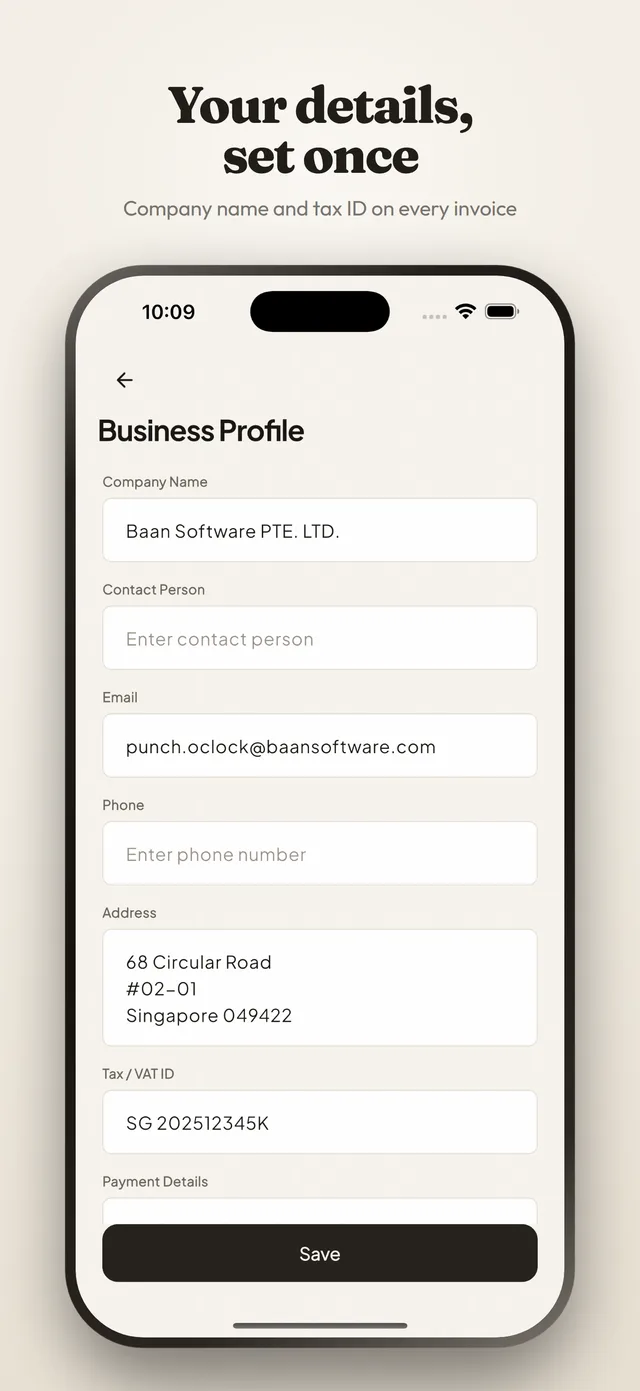
Put your details in once
Company name, address, tax number, payment details, a logo, and the prefix and next number your invoices count from. Every invoice you make afterwards carries them.
-
Make the client a record
Name, address, email, tax ID, a default hourly rate and a default currency. Point as many projects at it as the client gives you.
-
Pick a client and a range
The tracked work in that period comes across as invoice lines. Choose how it is grouped, add what belongs on top, and export the PDF.
What comes across on its own
The lines are built from what you actually tracked, at the rate that was in force when you tracked it. Nothing is retyped, so nothing can be mistyped.
- Group by project for a client with several pieces of work, by day for a retainer, or by session where the detail is the point.
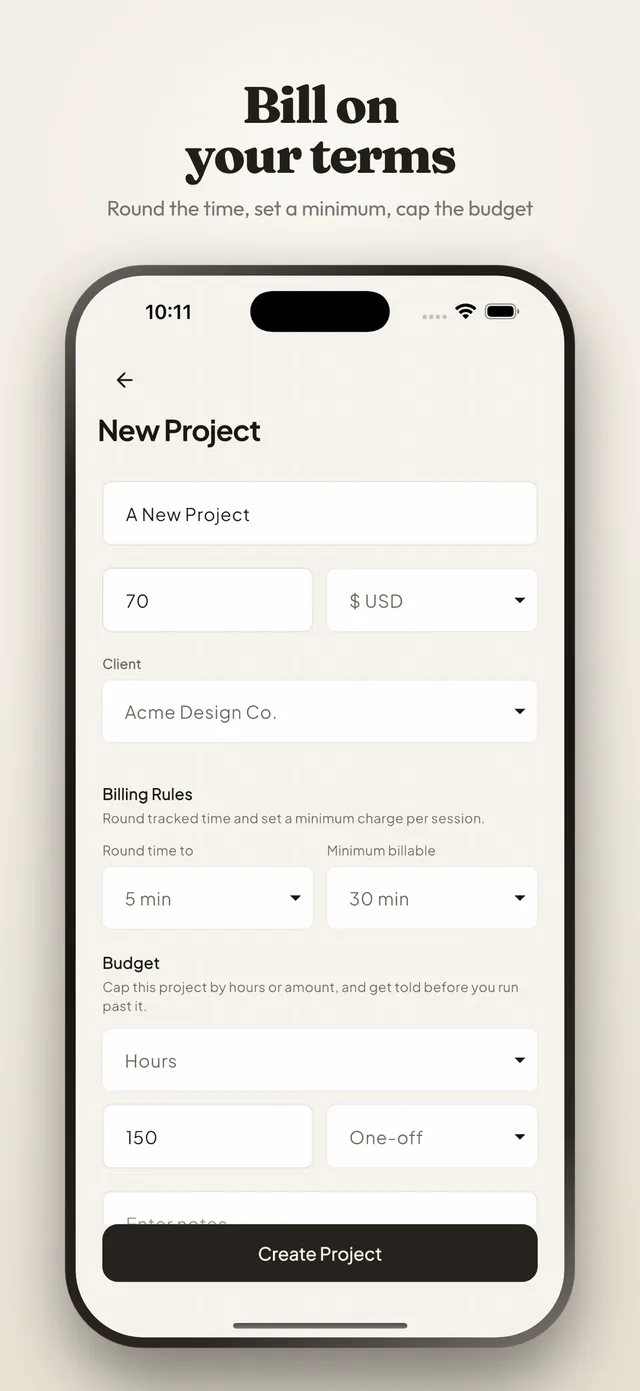
- Rounding and the minimum billable increment are applied as the project’s billing rules set them.
- Sessions marked non-billable stay out of it, and stay in your hours.
- Each line carries the rate its session was tracked at, so a rate you raised last month does not rewrite work from the one before.
And what you add on top
The parts an invoice needs that a timesheet does not. All optional, and all remembered per invoice rather than per app.
- A tax percentage, applied after any discount, in the way a tax line normally is.
- A discount percentage across the invoice.
- Expenses attached to the project: materials, mileage, subcontracted work, with a receipt photo if you kept one.
- An issue date, a due date from your payment terms, and a note to the client.
Then it has a life
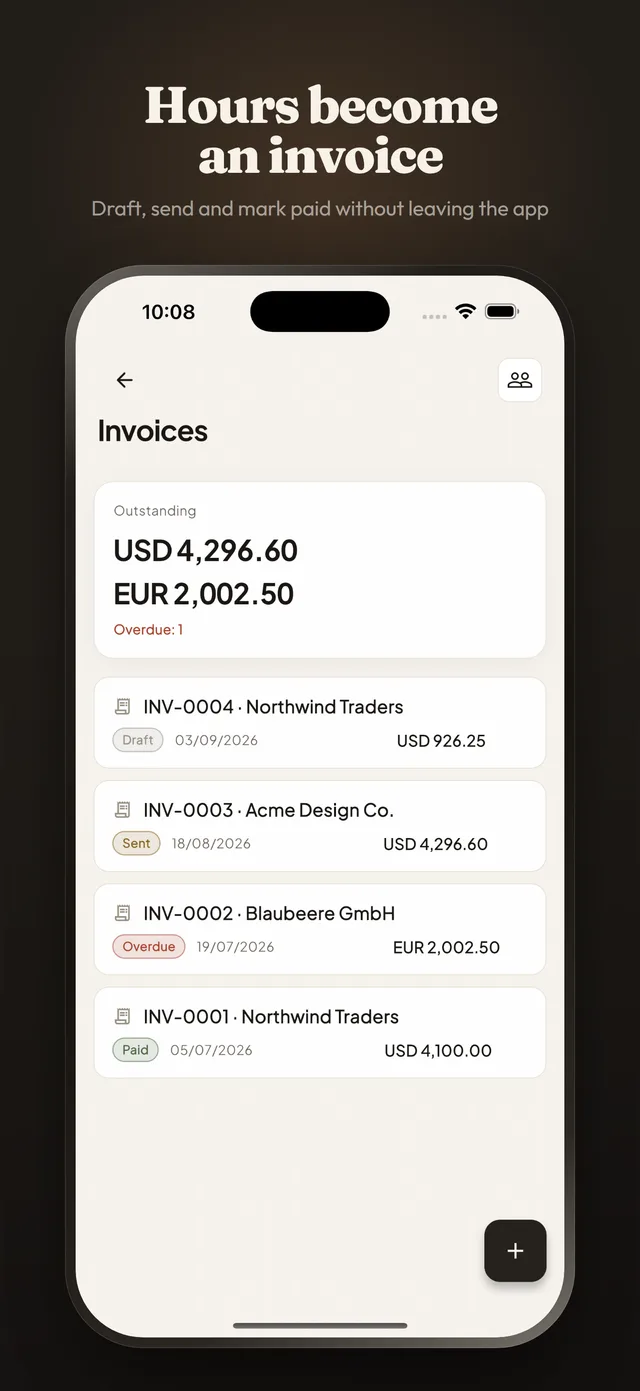
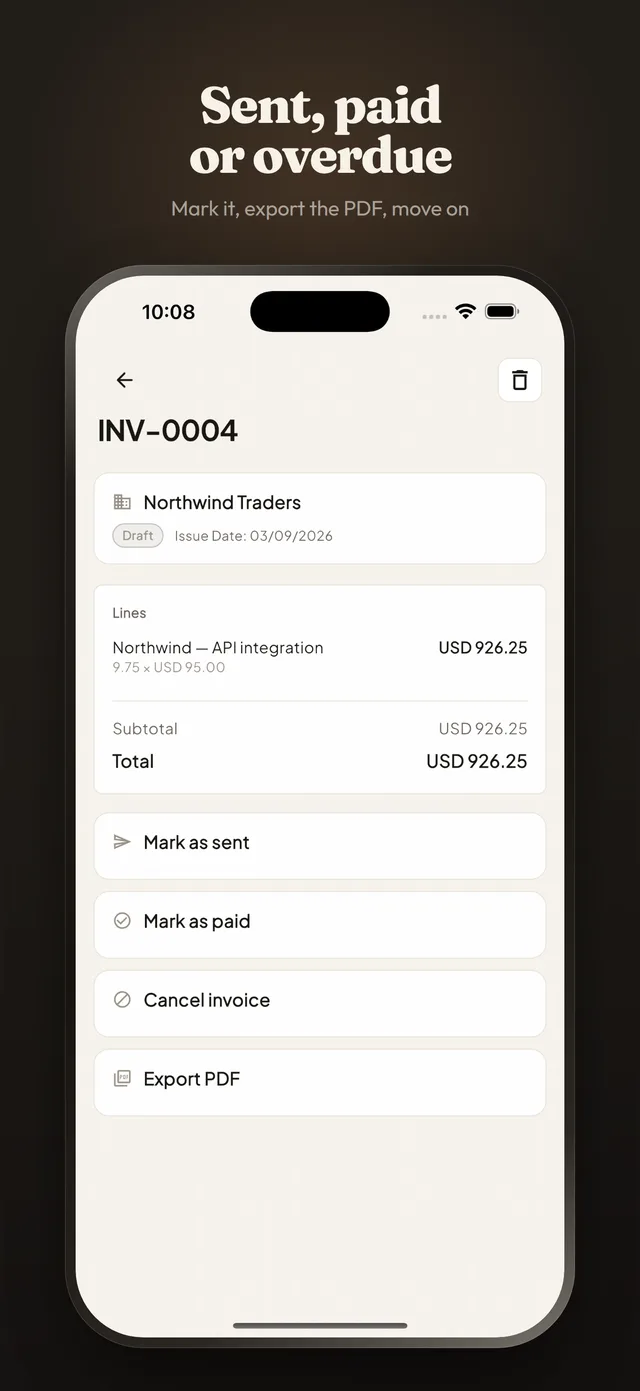
An invoice is not finished when it is written. Four states and one computed condition cover everything that happens to it afterwards, and the list adds them up for you.
Draft
- Lines
- From the range
- Editable
- Entirely
- Counts towards
- Nothing yet
Sent
- Marked
- Sent
- Due
- From your terms
- Counts towards
- Outstanding
Paid
- Marked
- Paid
- Dated
- When it landed
- Counts towards
- Done
- The invoice list totals what is outstanding, per currency, so two currencies never get added into a figure that means nothing.
- Overdue is counted separately, because it is the number you act on.
- Export the PDF at any point: it is laid out as an invoice, with your details, the client’s and the lines.
In the app
What it is not
Worth saying plainly, so the absences do not read as things you have failed to find.
- Not an accounting system. It produces the invoice and tracks whether it was paid; there is no ledger, no bank feed and no reconciliation.
- Not a payment processor. The PDF carries your payment details; the money arrives the way it always did.
- Not a chaser. It tells you what is overdue; it does not email your client about it.
- Not a tax calculator. You set the rate that applies to you, and it does the arithmetic.
What it costs
Nothing. Clients, invoices and expenses are part of the app like everything else in it: no paid tier, no subscription, and nothing to unlock before you can send the first one.
Can I track several clients at once?
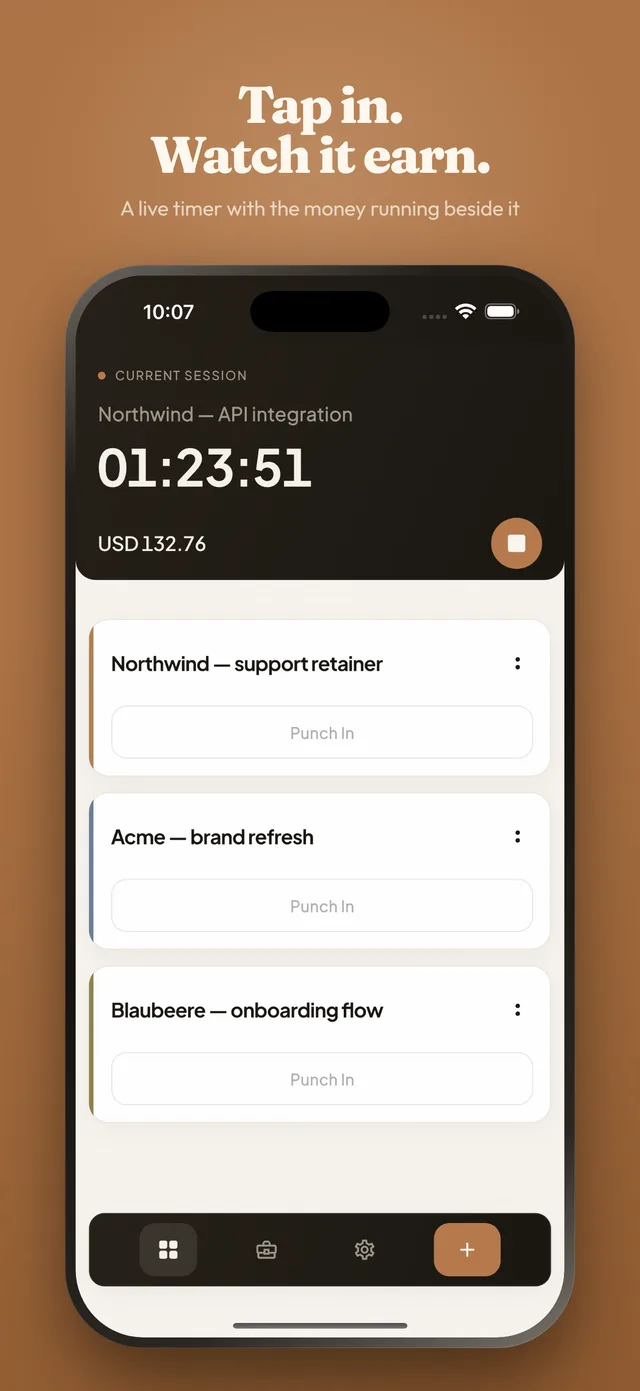
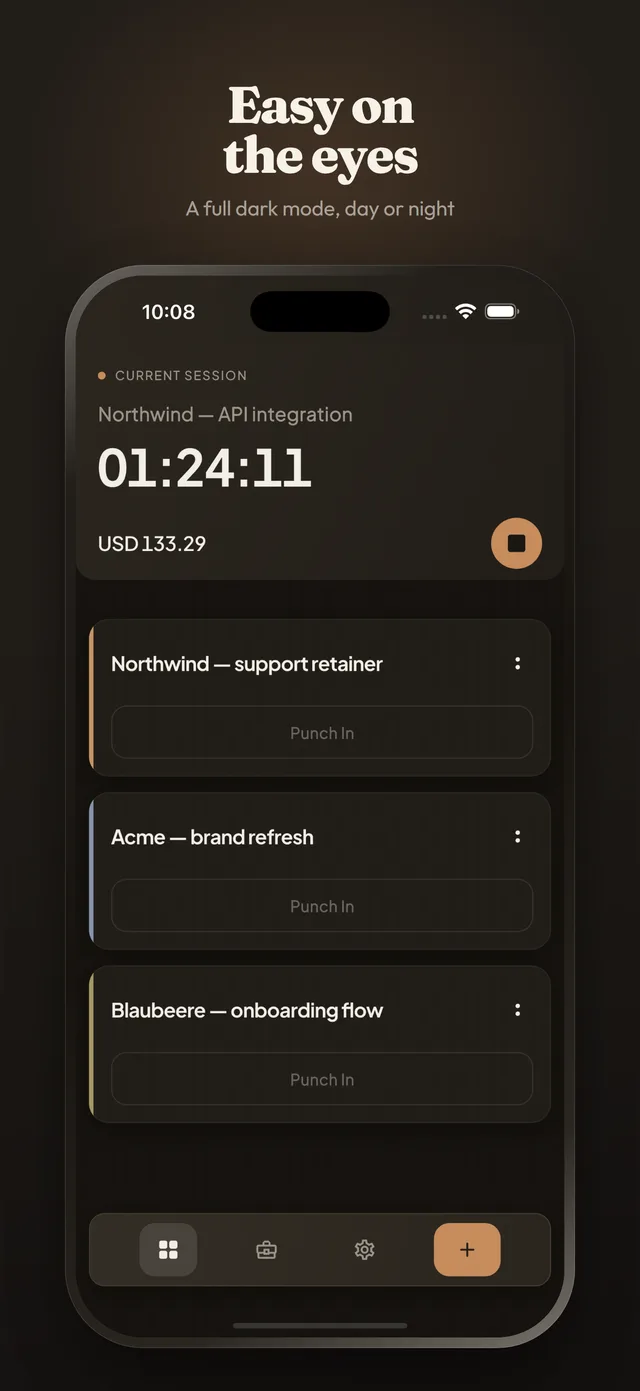
You can keep as many projects as you like, one per client or per piece of work, and reorder them by dragging so the ones you are on sit at the top. Only one session runs at a time: punching in on a second project stops the first, which is what stops two clocks quietly overlapping.
Does it make invoices?
Yes. Clients are real records with their own address and tax details, and a date range of tracked work becomes an invoice you can group by project, by day or by session, with tax, discounts and expenses on top, exported as a PDF that looks like an invoice rather than a timesheet. You then follow it from draft to sent to paid, and the list shows what is outstanding and what has gone past its due date.
If my hourly rate changes, what happens to work I already tracked?
Nothing. Each session records the rate that was in force when you tracked it, so raising your rate changes what you earn from here on and leaves past work — and any invoice built from it — exactly as it was.
Do I have to invoice from the app?
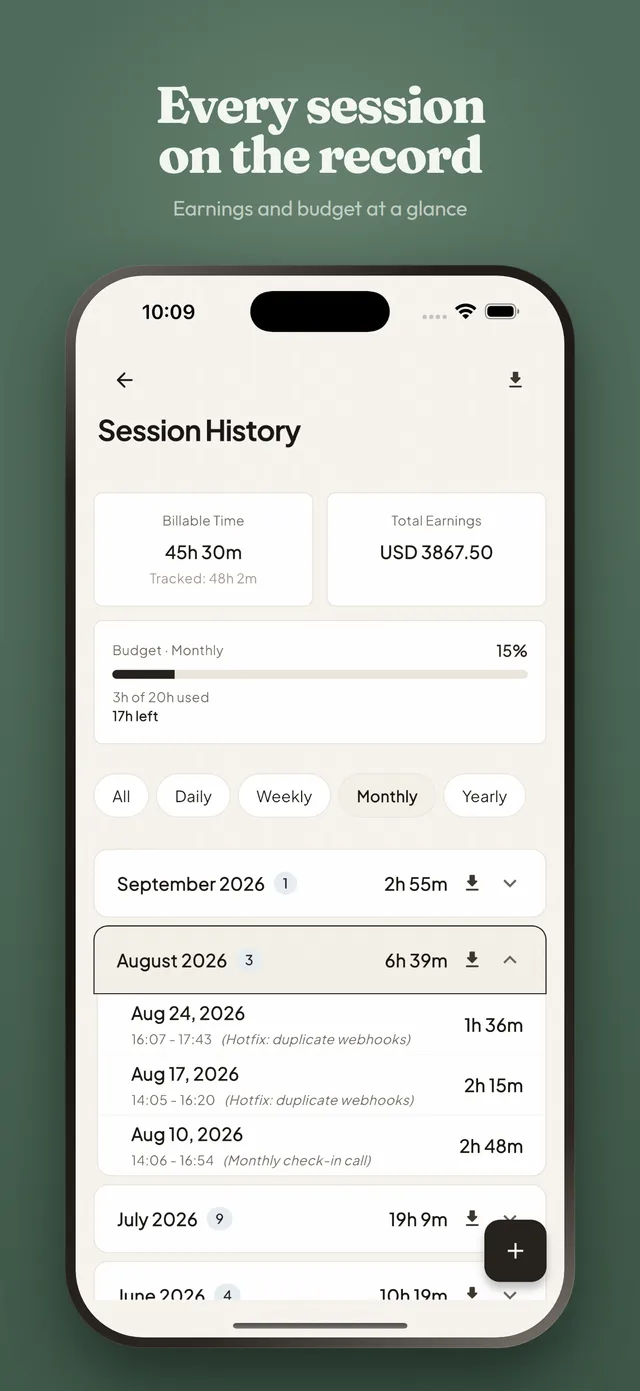
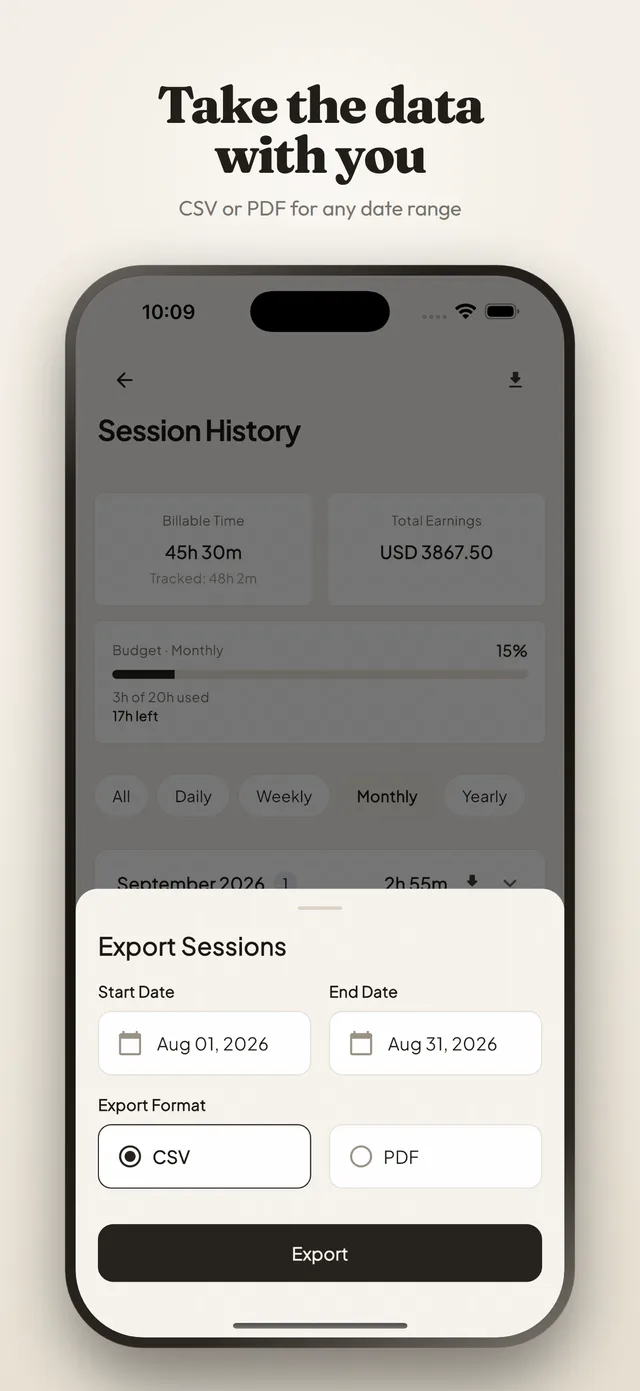
No. Everything that was there before is still there: pick a date range and export it as CSV or PDF and invoice however you always have. Invoicing is an addition, not a replacement, and nothing about tracking changes if you never open it.
Bill the month you actually worked.
Track it as it happens, and the invoice at the end is a range and a client rather than an evening of reconstruction.
Free. No subscription, no ads, and no account unless you want sync.